The internet, minus the worst of it.
CleanBrowse lives in your Mac's menu bar and blocks adult content at the DNS level — in every browser, in every app. And in Safari, it now blurs explicit images before you ever see them. Free, private, in your language.

Under the hood
Every DNS query on your Mac, answered the right way.
CleanBrowse sits between your Mac and the internet. Adult domains never resolve, search engines are locked to their safe endpoints, and everything else passes through untouched — with no measurable slowdown.
- Adult content→NXDOMAIN
- Search engines→SafeSearch endpoints
- Everything else→resolves normally
Simulated DNS query log: adult domains resolve to NXDOMAIN, search engines are rewritten to their SafeSearch endpoints, and everything else resolves normally.
New — Safari extension
Explicit images, blurred before you see them.
Blocking sites isn't enough — explicit images hide on pages you actually use. The new Safari extension classifies every image and video frame with on-device machine learning, and blurs anything explicit before it's rendered.
Blur first, reveal later
Every image starts blurred and is only revealed once the model clears it. Video frames are checked while they play, so explicit scenes are caught mid-stream.
Everywhere Safari goes
Google Images, social media feeds, streaming platforms like Netflix — if Safari can show it, the filter has already checked it.
Private by design
Classification runs entirely on your Mac with Core ML. No image, no URL, no pixel ever leaves your machine — and anything that can't be checked stays blurred.
How it works
Four layers. No way around them.
Browser extensions can be uninstalled and settings can be reset. CleanBrowse works below all of that — at the system level — so the protection holds everywhere. And in Safari, a fourth layer catches what a blocklist never could.
Hosts file blocking
Over 249,000 known adult domains are redirected to localhost through the system hosts file — the first wall, and it covers every application on your Mac.
System-wide DNS proxy
A local DNS proxy inspects every query type — including encrypted DNS — and answers NXDOMAIN for anything on the blocklist. What can't resolve can't load.
Enforced SafeSearch
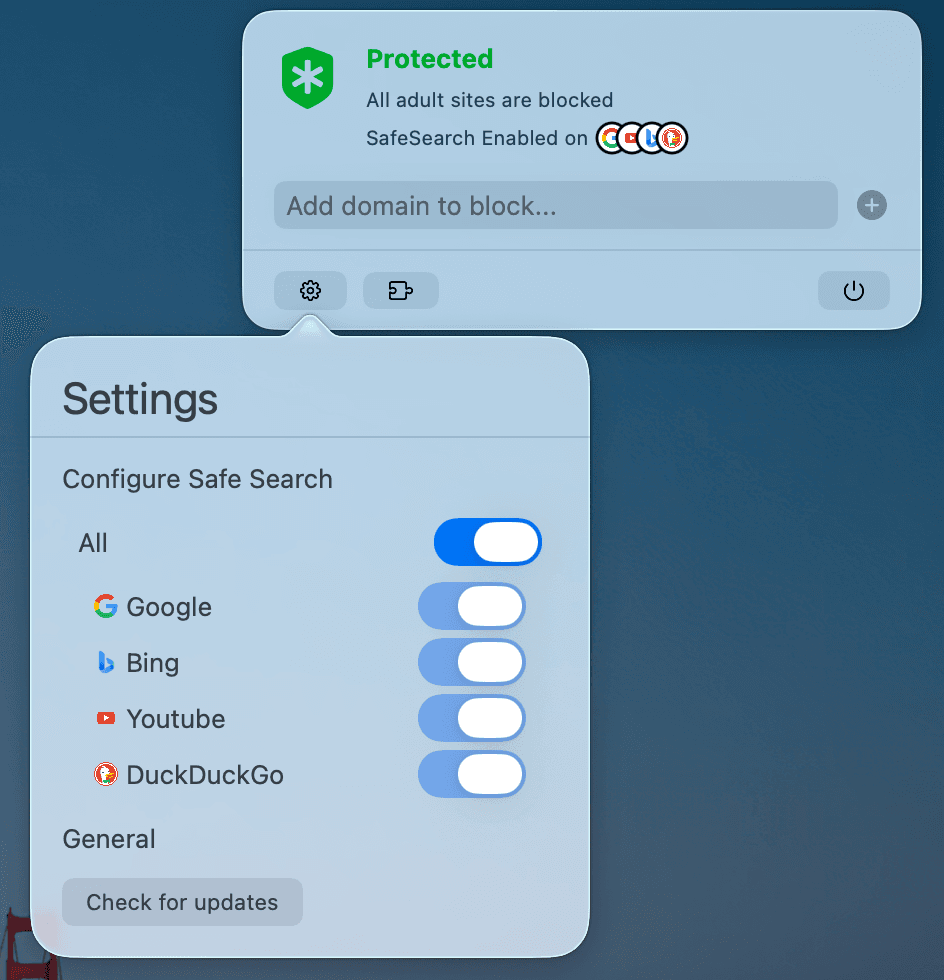
Google, YouTube, Bing, and DuckDuckGo are pinned to their SafeSearch endpoints at the IP level, across 190+ country domains. Search results stay clean too.
On-device image blur
A Safari extension classifies every image and video frame with on-device machine learning and blurs explicit content before it's rendered — even on sites no blocklist would ever block.
New in version 1.4.0
Your block list, in your hands.
CleanBrowse 1.4.0 makes the protection you've set up easier to see and manage: review every domain you've blocked, remove the ones you don't need, and discover features with in-app tips.
Your custom block list
Every domain you've added, in one list from the menu bar. Hover over a domain and remove it with a click.
Tips that show you around
A small card in the menu bar points you to features you haven't tried yet — like Safari image blur — and goes away once you've seen them.
New · Tip 1 of 3Updates from the settings panel
Check for new versions right inside CleanBrowse — new protections reach you the moment they ship, no re-downloading from the site.
From the maker
“Everyone should have the tools to protect themselves and their loved ones online — without a subscription, and without handing their data to anyone.”
CleanBrowse is built and maintained by one person, and it's completely free. No accounts, no tracking of your browsing — what you do online never leaves your Mac.
Privacy
We count clicks, not people.
Your browsing never leaves your Mac — every site you visit, every DNS query, every blocked domain stays on your machine. The only thing CleanBrowse shares is an anonymous tally of feature usage through Aptabase, a privacy-first, open-source analytics service. It tells the maker which features matter — and nothing about who you are.
How Aptabase handles dataStays on your Mac
- ✓ Every site you visit
- ✓ Every DNS query and blocked domain
- ✓ All of your settings
Counted anonymously
- ✓ Which features get used
- ✓ App and macOS version
- ✓ Nothing that can identify you
No identifiers, no profiles, no cookies — nothing can be traced back to you.
Roadmap
Version 1.4.0 is just the start.
Custom DNS resolver
Coming soonChoose the upstream DNS you trust — Cloudflare 1.1.1.1, Google, or any resolver you like.
Protect me from myself
In developmentLock your own settings so protection can't be switched off in a weak moment.
Import any blocklist
PlannedBring your own lists — import any blocklist and CleanBrowse enforces it system-wide.
Blocked-domain explorer
PlannedSearch all 249,000+ built-in domains and instantly check whether any site is blocked.
Ready for a cleaner internet?
Download CleanBrowse 1.4.0 for free — or leave your email and hear about new features first.
Download for macOS